
ICARUS Ops Error Elimination System (EES) · designed to reduce errors
Normal and emergency procedures for oil and gas rigs
ICARUS Ops runs normal and abnormal procedures for oil and gas work as step-by-step digital procedures on Android and iOS devices, with time stamps, photo proof and sign-off, even with no signal. Blowout preventer (BOP) checks are one example.
Drilling
Procedures for drilling and maritime
Drilling procedures
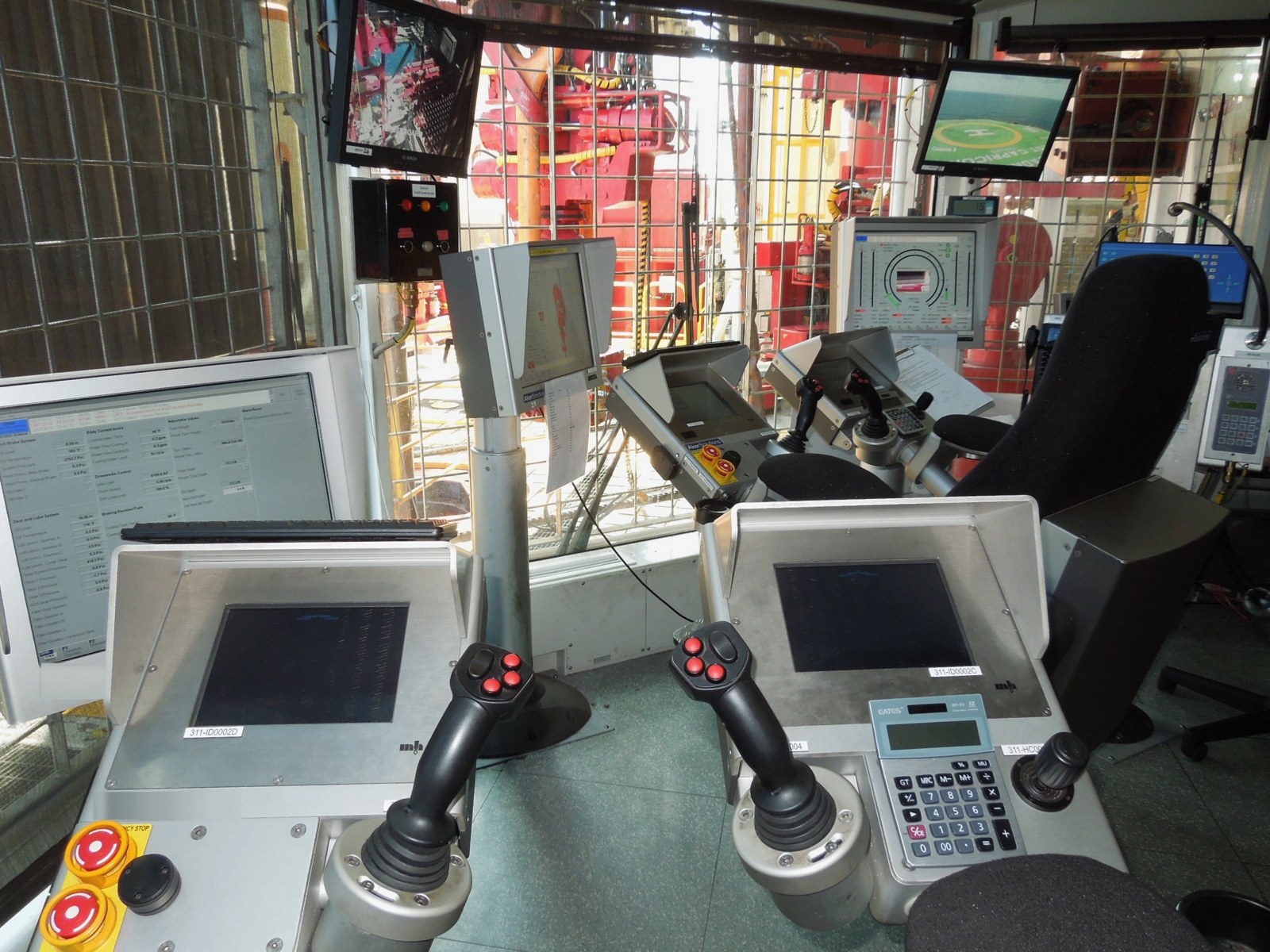
- Blowout preventer (BOP) checks and function tests
- Pre-job safety checks and permits
- Lockout/tagout and isolation verification
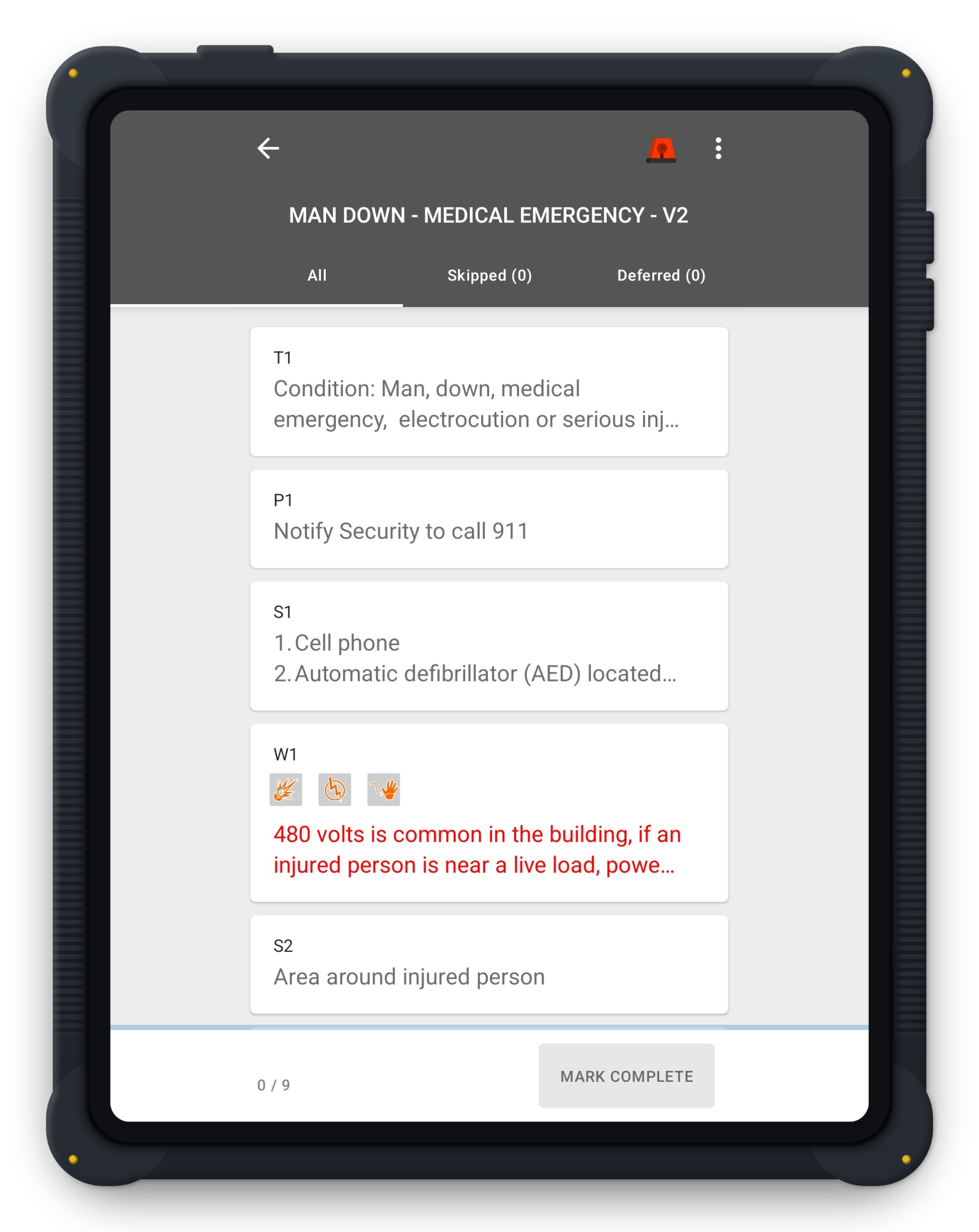
- Medical emergency. Step-by-step medical emergency response, with time stamps and sign-off, always available even offline.
- Gas alarm. Step-by-step gas alarm response, with time stamps and sign-off, always available even offline.
Maritime
Maritime and drilling, on one platform
On a drill ship there are two sides to the work: the maritime crew who operate the ship itself, and the drilling crew who run the drilling operations. ICARUS Ops covers both, with normal and emergency procedures for both drilling and maritime operations.
Maritime operations
- Fire emergency. Step-by-step fire response, always available even offline.
- Loss of position (loss of thrust). Step-by-step response when the vessel loses thrust or position, always available even offline.
- Blackout recovery. Step-by-step recovery after a power loss, always available even offline.
- Emergency disconnect. Step-by-step emergency disconnect procedure, always available even offline.
- Man overboard. Step-by-step man overboard response, always available even offline.
ICARUS Ops allows companies to digitize all of their maritime and drilling normal and abnormal procedures.
Process
How it works
1. Author
Write the procedure in the ICARUS Ops web portal, with review, approval and version control.
2. Assign and sync
Assign it per site, per person or per department. Crews sync it to the Android or iOS app before work.
3. Execute offline
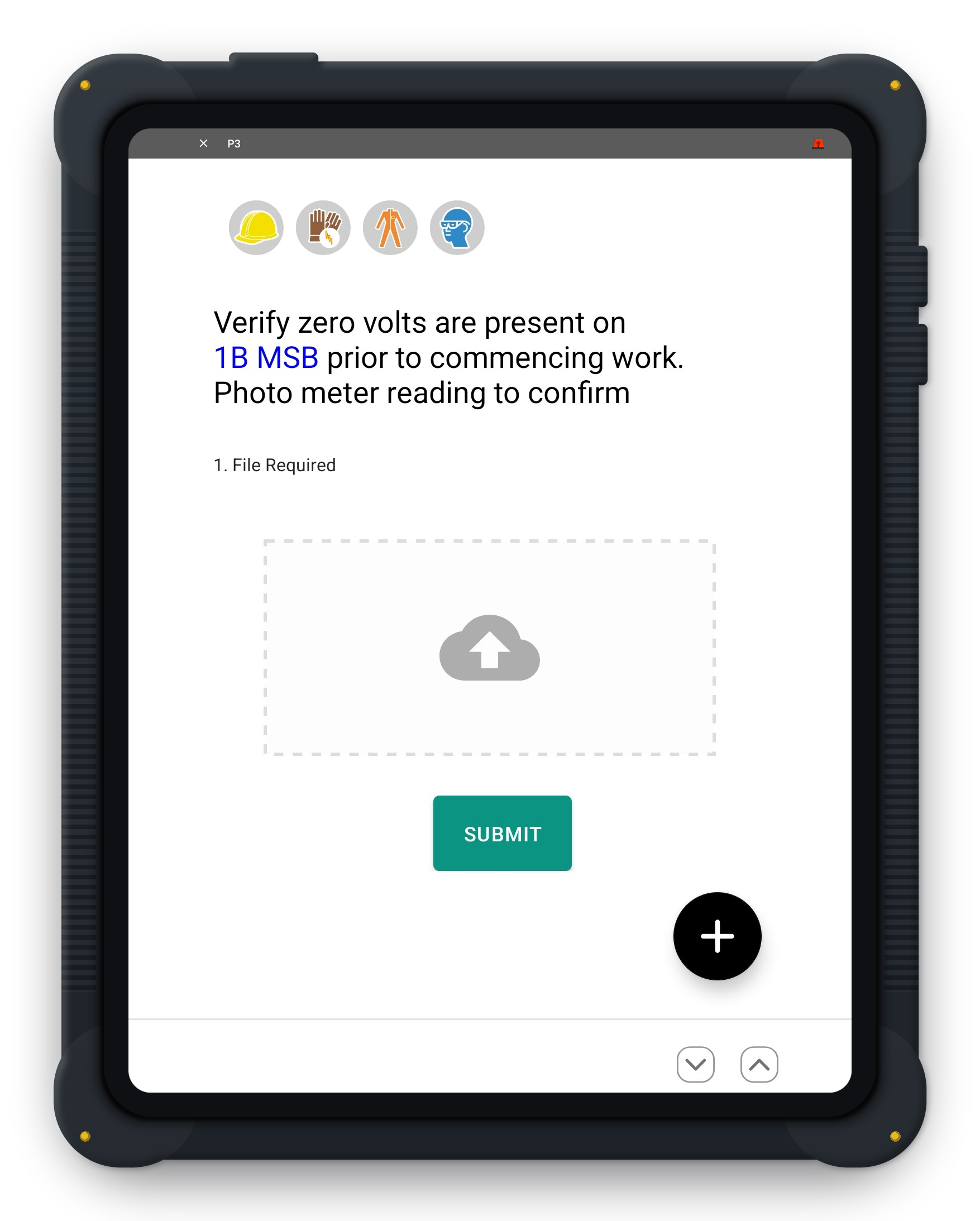
One step at a time, in a fixed order. Critical steps need a photo, a reading or a sign-off.
4. Sync and review
Records upload when the device reconnects. HQ reviews them in the ICARUS Ops web portal.
Every step records who completed it and when. Date-time curves flag steps and rounds done unrealistically fast or slow, and data ranging flags readings outside the range the author set.
See a sample ICARUS Ops EES procedure
Demos are for teams actively evaluating software for deployment.
Request a demoFAQ
Most frequently asked questions
What devices does ICARUS Ops run on?
Field crews use the native ICARUS Ops apps on Android and iOS phones and tablets, including certified intrinsically safe devices and enclosures where the area classification requires them. Intrinsically safe hardware is now widely available. Headquarters uses the ICARUS Ops web portal in any browser to write, assign and audit procedures, with a full record of who did each step and when.
Does ICARUS Ops EES work with no signal?
Yes. Procedures are stored on the device and run with no signal, and records sync when the device reconnects.
How does ICARUS Ops show that a step was done?
Every step records who completed it and when. Critical steps can require a photo, a reading or a sign-off before the crew can continue.